How text opt-in works
This page shows, step by step, how a caller agrees to texts from the After Hours Text Back demo line, (855) 547-3146. A caller gets no texts unless they press 1. Someone who texts the number first only gets replies to their own messages.
1. The website
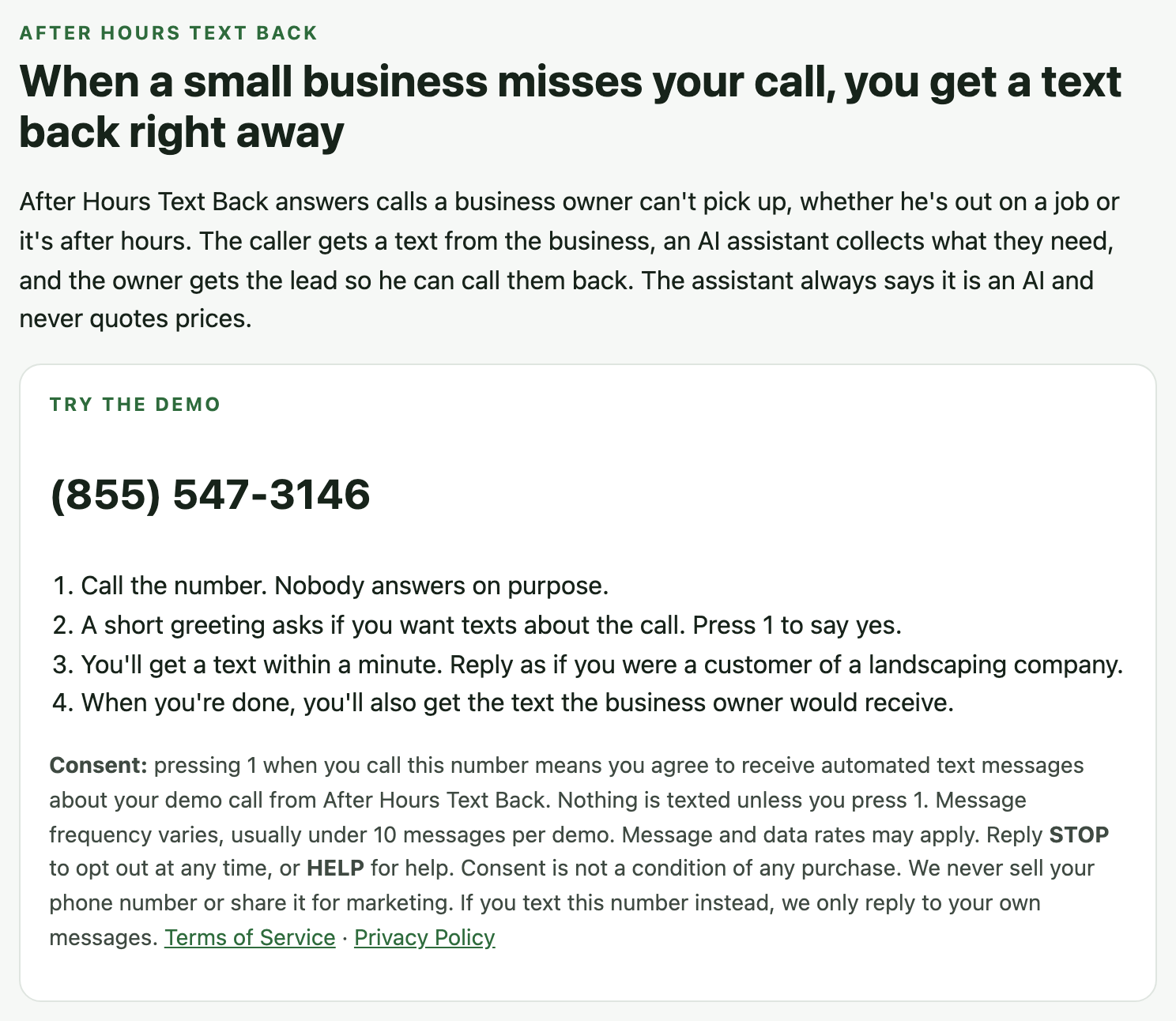
The demo number appears on our home page next to this consent notice:
2. The call
Nobody answers. Before anything else, the caller hears this, word for word. The first part always plays in full, and only then does a keypress count:
A caller who can't be offered texts (they already got one in the last few minutes, opted out, or called without caller ID) hears "Thanks for calling the After Hours Text Back demo. No one can answer right now. Please leave a message after the tone. Messages are recorded." and gets no text.
3. The choice
- Presses 1: they hear "Thanks. Your first text is on its way. You can also leave a message after the tone. Messages are recorded." and get the first text.
- Presses anything else, or nothing: they hear "No problem. You won't get any texts. Goodbye." No text is sent.
4. The first text (opt-in confirmation)
The assistant then asks a few short questions about the job and a good time to call, and texts the caller a copy of the alert a business owner would get. If the caller replies to that alert the way an owner would (for example WON or LOST), one last text confirms it and ends the demo. Every text is about the caller's own call. No marketing.
5. HELP and STOP
- HELP: "After Hours Text Back support: for help, email hello@afterhourstextback.com or visit https://afterhourstextback.com. Msg frequency varies. Msg & data rates may apply. Reply STOP to opt out."
- STOP: one confirmation, then no more texts. START opts back in.
- Texting first: someone who texts the number without calling only gets replies to their own messages.
6. What we record
For each opt-in we record the time, the caller's phone number, the key they pressed, and the words they heard. Records are kept for up to 12 months.